
Mesh WiFi & Smart Home in Kenya
Reliable internet in every room starts with the right WiFi. Umoja Marketplace Africa stocks genuine Google Nest WiFi and mesh router systems in Kenya, verified genuine, delivered same day in Nairobi and countrywide in 1-3 business days, with 3-day returns on faulty or wrong items.
If your WiFi drops in the back bedroom or buffers during a film, the problem is usually coverage, not speed. This page explains how mesh WiFi fixes that, and how to choose the right setup for your home.
Product Types in This Category
WiFi & Mesh Routers
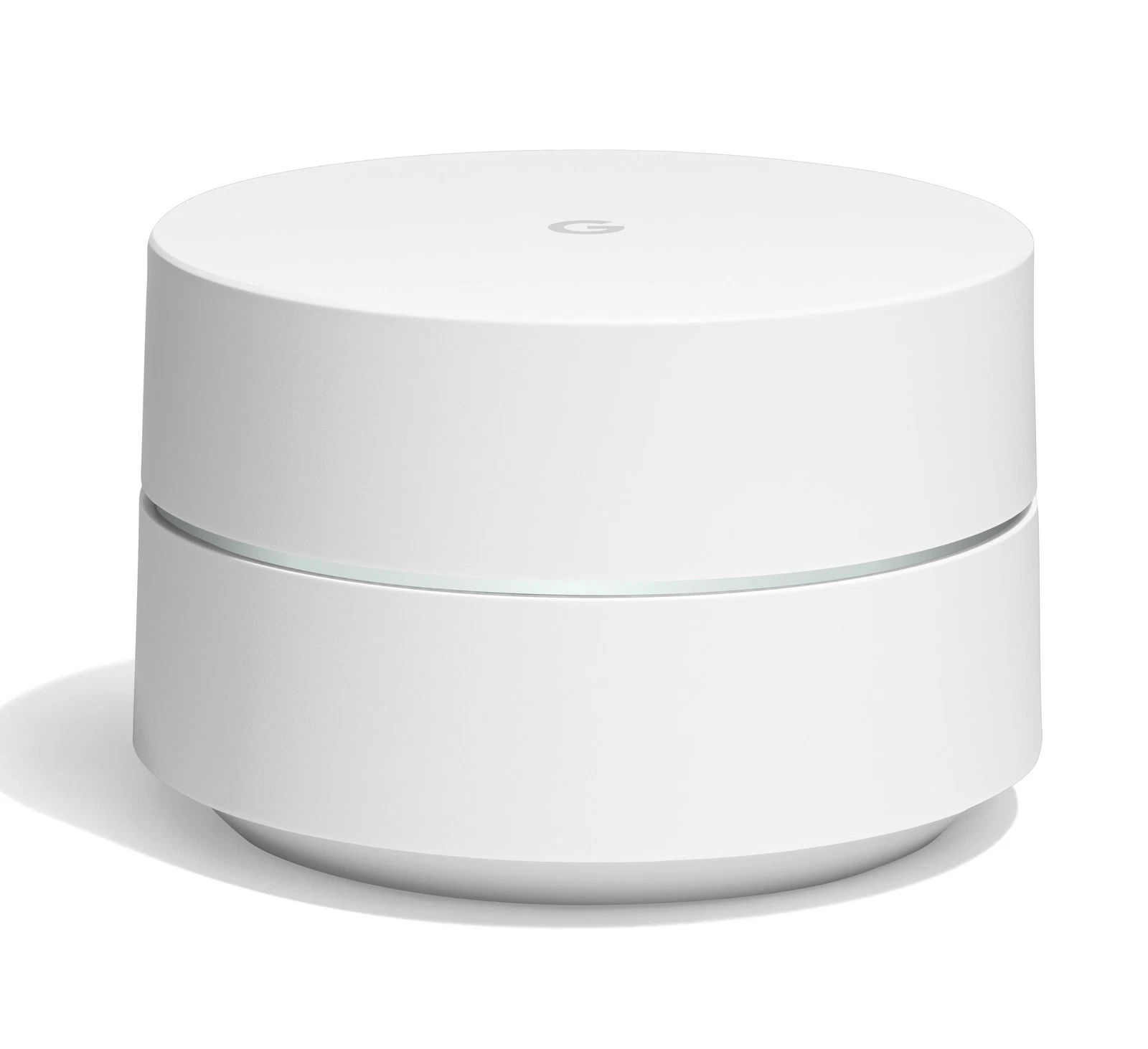
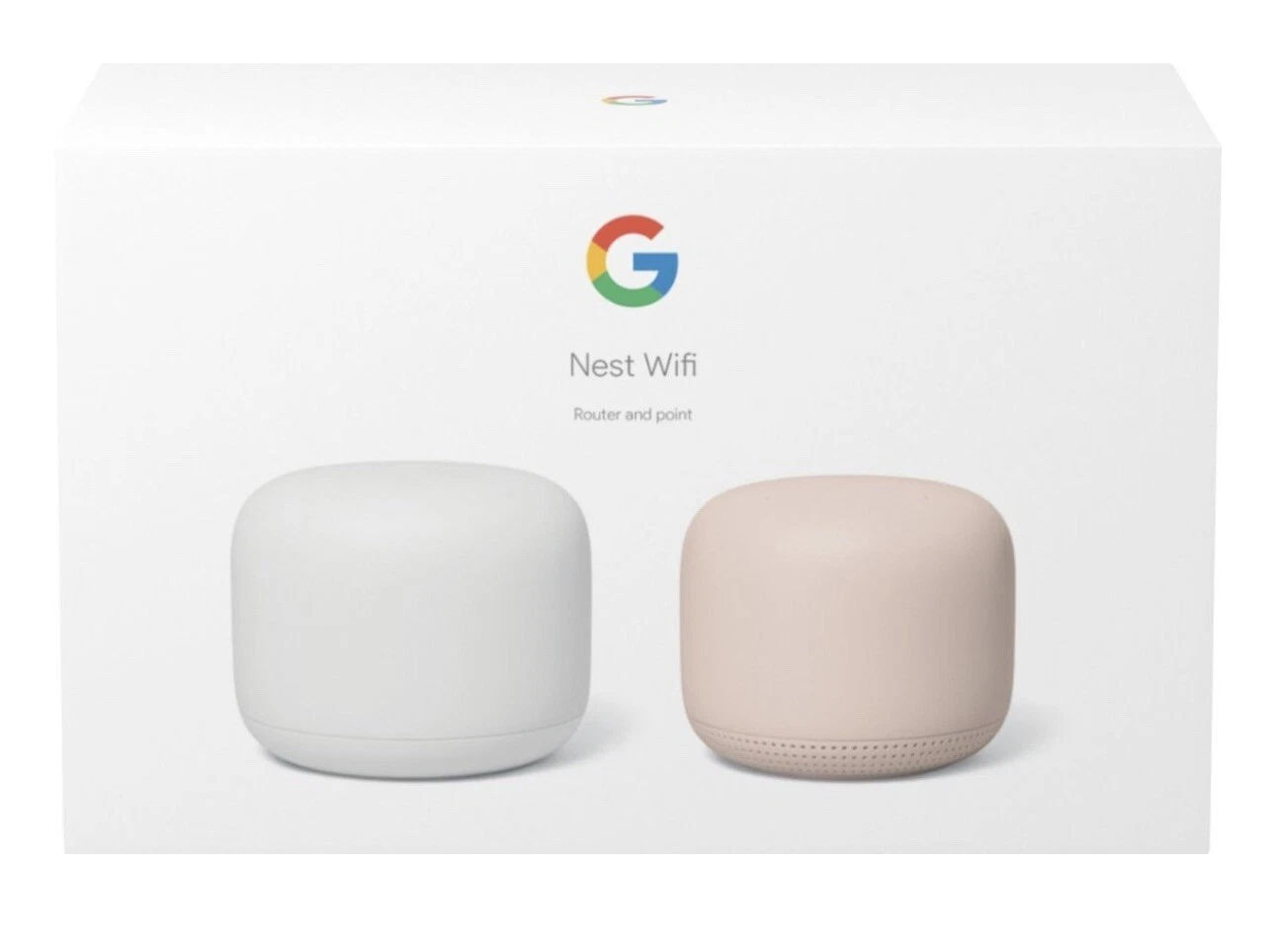
Google Nest WiFi and Google WiFi systems, including the whole-home router system and add-on points that extend coverage into every room, working together as one seamless network.
How Mesh WiFi Works
A traditional single router broadcasts from one spot, so coverage fades the further you get from it. A mesh system uses a main router plus one or more points placed around the home, all sharing the same network name. Your phone or laptop hands off to the nearest point automatically as you move, so there are no dead zones and no switching networks. For most Kenyan homes and small offices, mesh is the simplest way to get strong, stable WiFi everywhere.
How to Choose a Mesh System
Size it to your home. A single router covers a small flat. For a larger home, a maisonette or a home with thick walls, add one or more points to reach every room.
Count your devices. Modern homes run phones, laptops, TVs and smart devices at once. A mesh system handles many connections more gracefully than a basic router.
Plan for growth. Google Nest WiFi lets you add points later, so you can start with the coverage you need now and expand as your home or usage grows.
Placement matters. Spread the points evenly and keep them off the floor and out of cabinets for the best signal.
Who Is This Category For
Larger homes. Whole-home coverage that reaches the back bedroom and the garden.
Remote workers. A stable connection for video calls in any room.
Streaming households. Smooth playback on smart TVs and streaming devices without buffering.
Gamers. Lower-lag online play in a room far from the router.
Popular Brands We Stock
Google. Nest WiFi and Google WiFi mesh systems, simple to set up from the Google Home app and easy to expand with add-on points.
Common Mistakes When Buying WiFi
Blaming the speed when it is the coverage. A fast connection still drops in far rooms with a single router. Mesh solves reach, not just speed.
Hiding the router. Tucking it in a cabinet or on the floor weakens the signal. Keep points out in the open.
Buying one router for a big home. One unit rarely covers a maisonette or a home with thick walls. Add points where the signal fades.
Placing points too far apart. Each point needs a solid signal from the last. Space them evenly for a strong mesh.